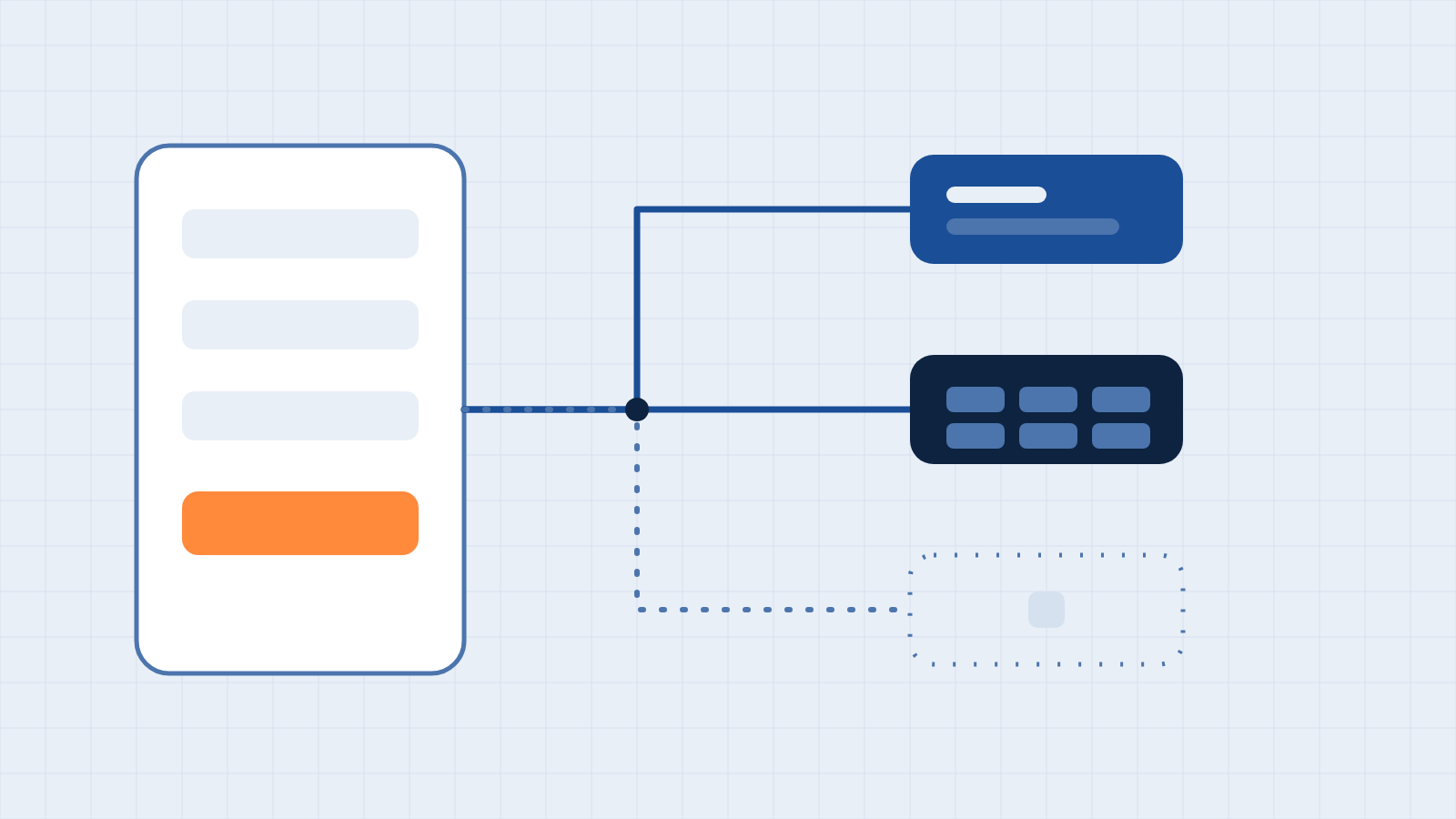
A contact form is where a business learns someone wants to talk, and it is often the least examined part of a website. The visitor clicks Send, sees a confirmation message, and from that moment the business assumes it has received the inquiry. Confirming receipt relies on a chain of operations that few companies ever fully audit from start to finish.
This article follows a submission through a typical Webflow site and identifies where inquiries are lost, delayed, or recorded without the information needed to act on them.
Stop one: the site itself.
Webflow stores form submissions and makes them available under Site settings, in the Forms section. By default, it sends a notification to the account email, and you can customize the recipients, subject, and message content for each form.
Stop two: the inbox
For many businesses, the notification email is the entire process. It is also where inquiries are most often lost, for ordinary reasons: the recipient has left the company, the message is filtered as junk, or the mailbox is shared, and everyone assumes someone else has responded.
Notifications should go to a monitored shared mailbox or a ticketing system rather than an individual, and at least two people should be able to see it.
Stop three: spam and filtering.
An internet-open form attracts automated submissions. Webflow's documentation refers to CAPTCHA, bot detection, spam filtering, and the honeypot technique as available protections. The risk works both ways: too little protection buries real inquiries in noise, and too much blocks genuine visitors. We test with real submissions after any change to spam settings.
Stop four: the CRM
If the form is connected to a CRM, the next question is whether the data arrives intact. Using the HubSpot connection as an example, Webflow's description states that an email address is required to create a contact. A form field renamed during a redesign can therefore stop populating a CRM property without any visible error on the website.
When an automation platform sits between the site and the CRM, a different consideration applies. Zapier, for example, counts a task only when an action completes successfully, so a failed step doesn't consume a task, but it also doesn't announce itself. Failure alerts must be configured deliberately.
Stop five: reporting.
An inquiry that reaches the CRM but carries no record of where the visitor came from cannot inform decisions about marketing spend. Capturing the source, which page the visitor was on, and any campaign parameters requires deliberate design, typically through hidden form fields populated at submission. It should be agreed with whoever owns reporting before the form is built, not retrofitted.
A test you can run this week
- Submit a real test inquiry from a public page using a recognizable name and a mailbox you control.
- Confirm each destination. Verify that the notification arrived, that the submission appears in the site's Forms list, and the record exists in the CRM with every field populated.
- Check the source data. Verify that the page, source, and campaign information you expect to see is present.
- Test a failure. Temporarily turn off a connection in a safe environment, or submit a deliberately malformed entry, and confirm that someone is alerted.
- Confirm ownership. Identify who receives each notification today, and whether that person is still in the role.
- Repeat quarterly and after any redesign. Forms are changed more often than they are tested.
The short version
A form submission can pass through the site, an inbox, a spam filter, usually a CRM, and eventually a report. Each is a potential point of failure, most times without a failure notification. Tracing one real submission through all of them is the quickest way to see what's working. If you would like our team to audit your forms and connections, reach out to us — we will transparently report what we find before any commitment.
Have a system you want your website to talk to?
Book a free discovery call. We will tell you where your applications stand before you commit to anything.
Book a discovery call