A common mistake when building a Webflow site is to treat the CMS as a place to put everything, or as something to avoid. Both lead to the same difficulty: someone cannot change the content they need to, or the structure becomes so elaborate that nobody wants to touch it. Deciding what belongs in a collection is a design decision that deserves care, and you can make it with a few questions.
What a collection does
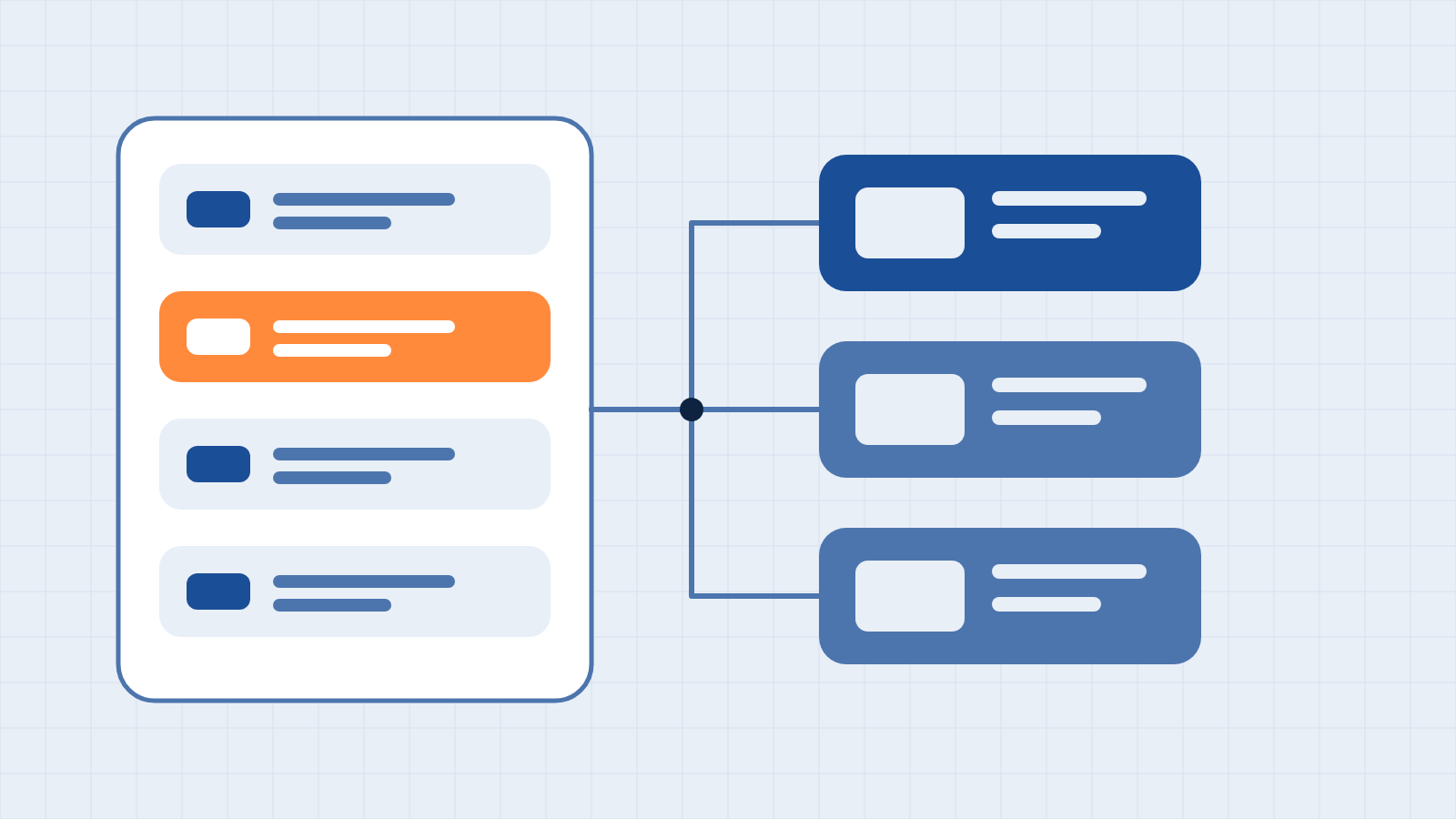
A collection is a structured set of items that share the same fields. Webflow automatically generates a page for each item in a collection, and you can display the same item in several places on the site. You make a change to an item once, and it appears wherever the item is shown. That is the value of the CMS: repeatable structure, one source for each piece of content, and editing that does not involve altering the layout.
A three-question test
Content generally belongs in the CMS when the answer to at least one of these questions is yes.
- Does it repeat with the same structure? Articles, services, team profiles, locations, events, and frequently asked questions all share a field pattern. Content that appears once, such as a page's opening headline, does not.
- Will someone other than the designer change it? If the people who run the business will update it, a collection with clearly labeled fields is safer than editing a page layout.
- Does it appear in more than one place? A service that is described on its own page, in a navigation menu, and in a related-content block should exist once and be referenced.
Content that fails all three questions usually belongs in the design: a hero section's headline, a one-off promotional band, or the layout of a contact page. Placing it in a collection adds structure without adding value.
Examples that belong in the CMS
- Posts and categories. An Insights page, for example, uses a collection of posts and a second collection of categories, with each post referencing one category. You can then rename the category once and update it everywhere.
- Services. A list of services with a summary, a description, and related items, displayed on the home page and on individual pages.
- People and locations. Staff profiles or office details that appear in several layouts.
- Frequently asked questions. Short items that are reused on service pages and a general help page.
Examples that belong in the design
- A page's primary headline and supporting paragraph, where the wording is tied to the layout.
- A single call-to-action band that is not reused.
- Unique page sections whose structure differs from every other page.
Pitfalls we see most often
Modeling too much. A collection with three items and eleven fields is rarely easier to maintain than a page. Create a collection when the pattern is real.
Using the CMS as a database. The CMS is intended for published content. Records that change constantly or contain personal or transactional data belong in a system built for that purpose, and the website should receive only what it needs to display. That recommendation reflects our practice, not a platform rule.
Ignoring the limits. Collections are subject to plan limits. Following Webflow's May 2026 plan consolidation, the Premium site plan includes 20,000 CMS items and 40 collections, and the Basic plan does not include the CMS. On non-Enterprise plans, a collection can have up to 10 reference fields, depending on the site plan. Scheduled publishing, which is useful for editorial calendars, works only for items that have not been published before and is not available on Starter or Basic plans. We confirm the current figures before designing a content model.
Reference fields without a plan. Reference and multi-reference fields connect collections, for example, a post to its category or a service to its related case studies. They are powerful, but each relationship should have a reason that an editor can understand.
A simple way to start
- List the content types on the proposed site and mark each as repeating, one-off, or shared.
- Name the editor for each type, and be realistic about their comfort with the CMS.
- Define the fields for each collection from the editor's point of view, including help text.
- Check the limits against the plan before building.
- Import existing content where it exists. Webflow supports importing a CSV file into a collection, which is how many migrations begin.
The short version
Put repeating, shared, or frequently edited content in the CMS, and leave one-off layout content in the design. Keep the model as simple as the content allows, and check it against the plan's limits. If you would like our team to design a content model your team will be comfortable maintaining, reach out to us—we will transparently assess your requirements before any commitment.
Have a system you want your website to talk to?
Book a free discovery call. We will tell you where your applications stand before you commit to anything.
Book a discovery call