Businesses that have used WordPress for years often hesitate to leave it, and the hesitation is reasonable. The site contains years of content, search rankings that took time to earn, forms that feed other systems, and a collection of plugins whose purposes are no longer fully remembered. A migration that ignores any of these can cost visitors, rankings, or inquiries.
A migration is manageable when you treat it as an inventory exercise before it becomes a build exercise. The task is to decide, item by item, what to keep, what to rebuild, and what to retire.
What carries across, and what does not
Moving content from WordPress to Webflow has traditionally been a manual exercise. Content is exported, converted, mapped field by field, and then checked page by page, while images are collected and uploaded one at a time. For a site with several hundred posts and thousands of media files, this is where migration projects lose most of their time and budget.
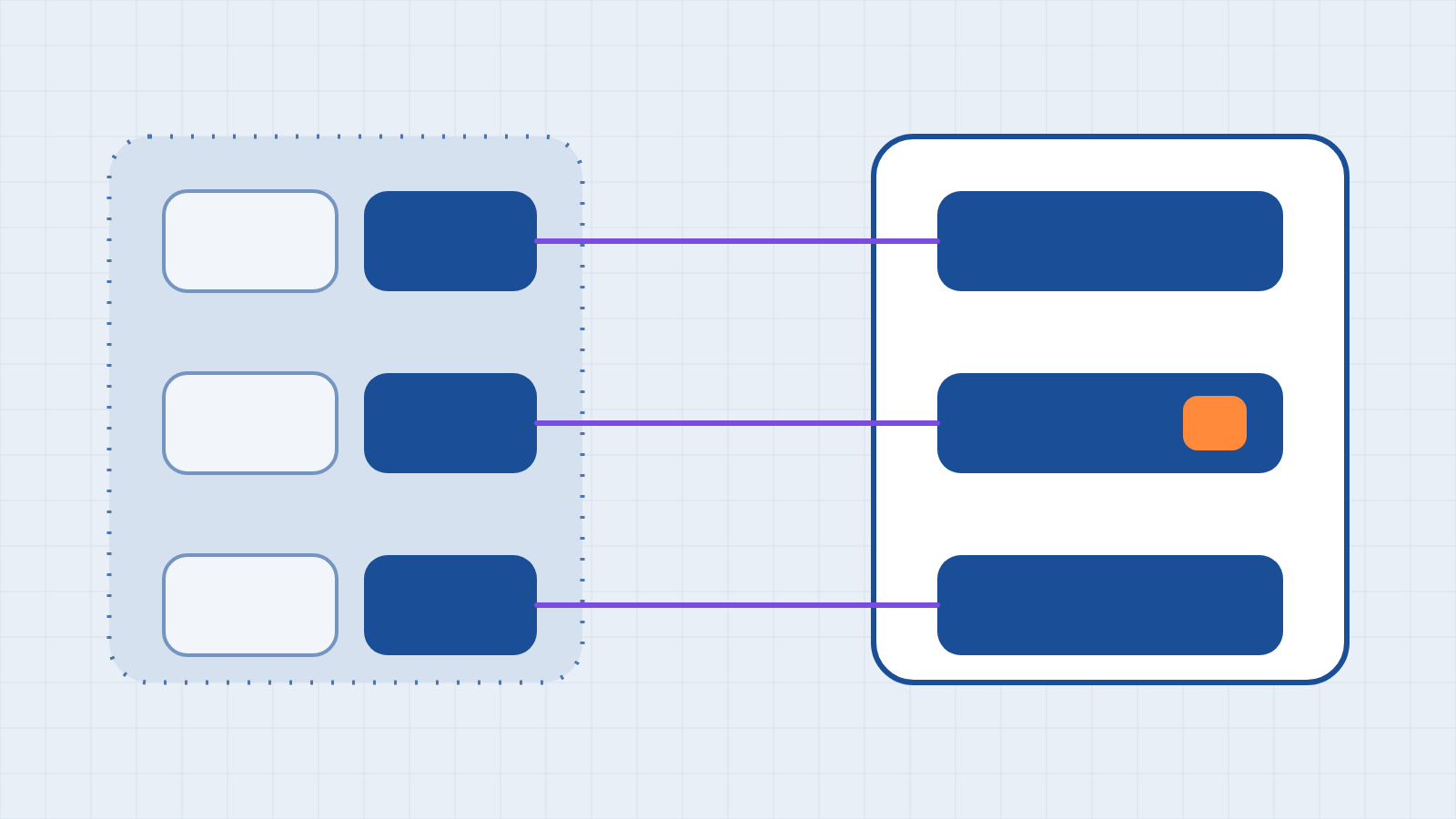
Our team has developed AI-assisted migration tooling to streamline this stage. Rather than treating the old site as a file to be converted, the tooling reads it as structured content: pages, posts, categories, authors, dates, and media. It then prepares that content for Webflow’s structure, and a person reviews every item before it goes live. The remainder of this article describes the decisions that remain with the business, and the work that still requires human judgment.
Several things do not transfer under any approach. Plugins do not carry over because the functions they provided must be replaced with platform features, connected tools, or custom work. Hosting configuration isn't needed because hosting is included. Webflow’s own documented route, which converts a WordPress export to CSV and imports it into a collection, remains available for straightforward sites. Our tooling is intended for sites where the volume or the condition makes that route impractical.
A migration checklist
- Inventory every URL. Export a list of all published pages, posts, and any other addressable content, along with the traffic and inbound links each receives. This list becomes the basis for every other decision.
- Decide what to keep, merge, or retire. Outdated, duplicated, or unvisited content doesn't need to be carried over. Merging thin pages into stronger ones usually improves the result.
- Migrate and prepare the content. Our migration tooling connects to the existing WordPress site and retrieves its pages, posts, and associated details directly, so you don't have to export, convert, and re-map the content by hand. AI then prepares that content for Webflow by separating body copy from the layout code older themes and page builders leave behind, normalizing headings and formatting, and matching each item to the correct collection and field. Titles, dates, authors, categories, and slugs are carried across so that the new structure reflects the old one. Our team then reviews the results and corrects exceptions, particularly pages with unusual layouts, before publishing anything. Material that does not fit, such as outdated or duplicated content, is flagged for the keep, merge, or retire decision described in step 2.
- Rebuild the media library. Media is usually the slowest part of a manual migration, and older libraries are often inconsistent: oversized files, unclear filenames, and images without alternative text. Our tooling retrieves the media library together with the pages that use each file, so images arrive in Webflow already connected to the content they belong to. AI helps with cleanup by drafting alternative text from the image and its surrounding copy, suggesting clearer file names, and identifying files that are no longer referenced anywhere on the site. This alternative text is a starting point, not a final answer. A person reviews it for accuracy and context, which matters for accessibility and for how search and answer engines interpret the page.
- List every plugin and record its function. For each, decide whether the platform provides the function, a connected tool replaces it, you rebuild it, or it's no longer required. Forms, search, analytics, security, caching, and backup are the usual categories, and each needs a deliberate answer, not an assumption.
- Rebuild and test the forms. Confirm where each form sends its data, and trace a test submission through every destination, as described in our article on form submissions.
- Prepare the redirects. Map every old URL to its new equivalent. Webflow accepts redirects as a CSV with two columns, the old path and the new path, up to 16 MB; the site must be published for them to take effect; and a new import overwrites all existing redirects, so export the current set first as a backup.
- Review the new site before launch. Check titles, descriptions, headings, internal links, the sitemap, analytics, and accessibility on the new build, and test a sample of the redirects.
- Monitor after launch. Watch for pages that return errors, drops in traffic to specific pages, and forms that stop delivering, and fix them quickly.
Questions to settle before you begin
- Who owns the content? A migration is a natural time to identify who owns each section.
- What is the current editing workflow, and what should it become? Changing platforms changes how people update the site, so show the new process to the people who do it before launch.
- What must not break? Identify the two or three functions the business depends on, such as an inquiry form or an event listing, and treat them as launch-critical.
- Is a redesign part of the project? Migrating and redesigning simultaneously increases risk. We often recommend moving the content faithfully first when search performance is important.
The short version
A successful migration begins with an inventory of content, plugins, forms, and URLs, and then makes a deliberate decision for each. Content and media can be migrated with far less manual effort than in the past, plugins must be replaced with something else, and every old address needs a place to go. To see how this would apply to your site, request a migration assessment. We will review what you have, explain what can be carried across and what must be rebuilt, and provide a clear scope before any commitment.
Have a system you want your website to talk to?
Book a free discovery call. We will tell you where your applications stand before you commit to anything.
Book a discovery call