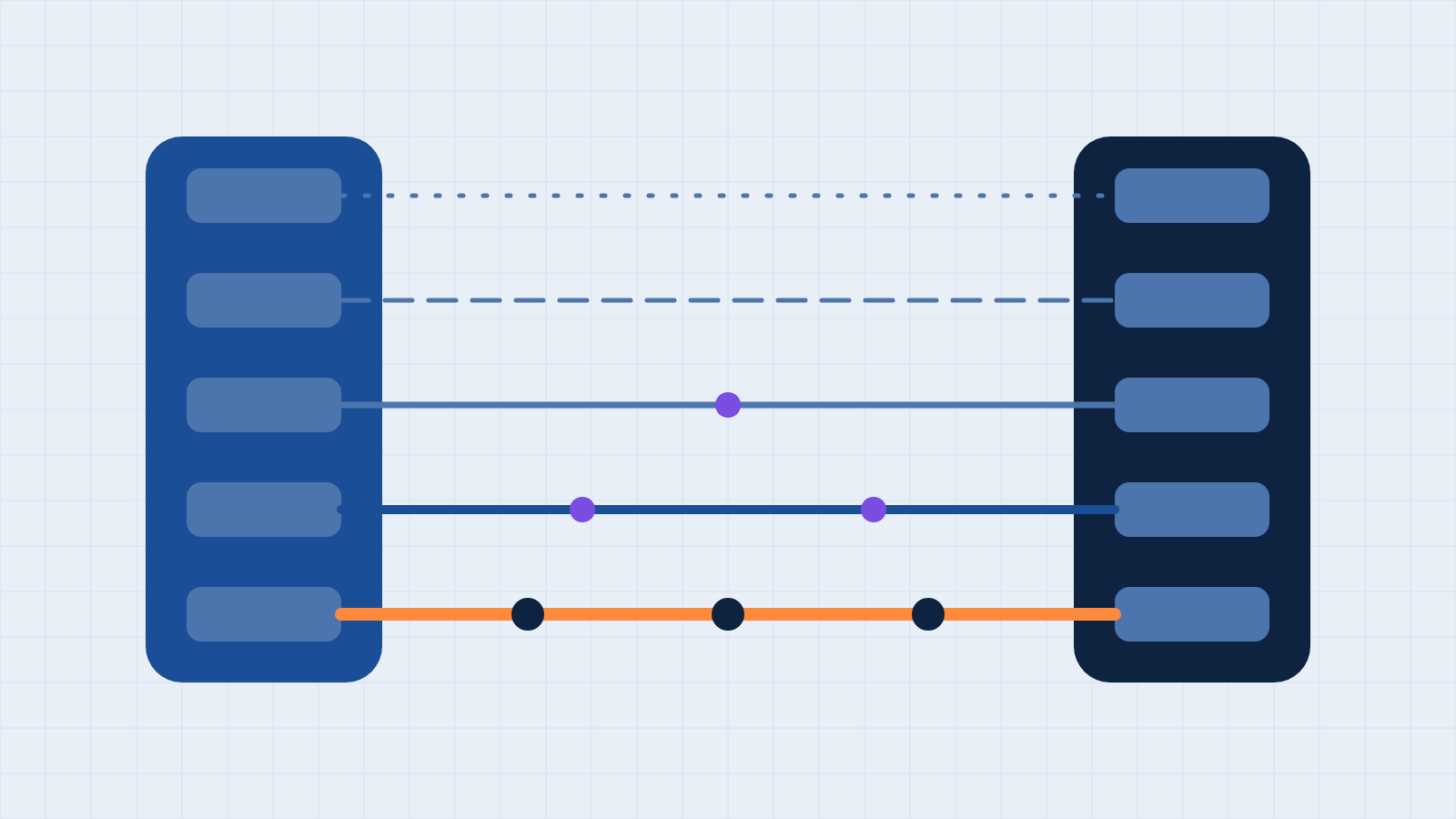
Businesses often describe their website as "integrated with the CRM" when they mean a form sends an email to someone, who then types the details into another system. That arrangement works until the person is on leave, the inbox filters the message, or volume increases. The word "integrated" covers a wide range of arrangements, and the differences determine how many inquiries are lost, delayed, or recorded incorrectly.
We use five levels to describe the connection between a Webflow website and a CRM. This is our own framework rather than an industry standard, but it lets us state precisely what a business has and what it needs.
Level 1: Notification
A visitor submits a form, and an email arrives. By default, Webflow stores each submission and sends a notification to the account email; recipients, subject, and message can be customized per form. Nothing reaches the CRM unless a person copies it there.
This level is acceptable for very low volume and low consequence. Its weakness is that the process depends entirely on one inbox and one person's attention.
Level 2: Native connector
Some CRM platforms offer a direct connection to the website. Webflow's native HubSpot app, for example, routes form submissions into HubSpot by matching each form field's HTML name attribute to a HubSpot contact property. Webflow's own description lists several constraints: only plain text inputs are supported, so dropdowns, radio buttons, and checkboxes don't map; an email field is required because HubSpot will not create a contact without one; and HubSpot's tracking code sets first-party cookies, which raises privacy considerations.
A native connector is the right starting point for many businesses, provided those constraints suit the forms in question.
Level 3: Automation platform
Tools such as Zapier and Make receive the submission, transform it, and write it to one or more systems. This allows rules, such as assigning an owner by service line, creating a task, or sending an acknowledgment, without custom code. The trade-offs are metering, since each platform counts usage differently, and visibility into failures, which we address in our article on choosing a connector.
Level 4: Webhook and API
Webflow can send a notification to an address you control whenever certain events occur, including a form submission, and a custom service can validate the request, clean the data, check for duplicates, and write to the CRM through its API. Webflow's documentation describes the safeguards: requests carry a timestamp and a signature for validation; a request older than five minutes may indicate a replay attack; and failed deliveries are retried up to three more times at ten-minute intervals before they are considered failed.
This level provides the most control and is the most appropriate when the cost of a lost or malformed record is high. It also requires someone to maintain it.
Level 5: Two-way connection
At the fifth level, information flows in both directions. A change in an operational system can update website content, and a change on the website can update a record. Webflow's webhooks include events for CMS items being created, changed, published, and unpublished, and its API allows you to write items, so you can maintain a managed set of content, such as events, locations, or team profiles, in one place and publish it to the site. This is the level at which a website behaves as a component of the business's systems rather than a separate publication.
Where AI now helps
Artificial intelligence has changed how these connections are built and maintained, though not the five levels themselves. Through the Model Context Protocol (MCP), an AI assistant can be given authorized access to both the website platform and the CRM, so it can read recent form submissions, match each field to the corresponding CRM property, and create or update the records, with the person who asked reviewing the result. HubSpot, for example, documents a remote server that lets an AI tool read, write, and update CRM records after the user signs in through OAuth. Because an assistant of this kind acts when a person asks it to, we regard it as a way to build, repair, and reconcile a connection, such as importing a backlog of inquiries or diagnosing a field that stopped mapping, and not as a substitute for an automatic connection at Level 3 or 4. The same assistants can also draft and test the webhook endpoint for a Level 4 integration, and an AI step inside a workflow can classify or enrich an inquiry before it reaches the CRM. In each case, limit access to what the task requires, and have a person review anything that carries consequence.
Which level does your business need?
We apply three considerations, in this order.
- Consequence of a lost inquiry. If a single missed lead is costly, Level 1 is inadequate regardless of volume.
- Rules. If an inquiry should be routed, prioritized, or acknowledged differently depending on its content, begin at Level 3.
- Maintenance. The higher the level, the more it matters who is responsible when it changes. A Level 4 integration that nobody maintains is riskier than a Level 2 connector that is understood.
A business doesn't need Level 5 just because it is the most advanced. Most small and mid-sized businesses are well served by Level 2 or 3, with Level 4 reserved for the forms that matter most.
The short version
Ask three questions of any process described as integrated: where does the submission go, what happens if that step fails, and who finds out. If you cannot answer all three, the connection is likely at Level 1 regardless of what it is called. If you would like our team to map your current arrangement and recommend the appropriate level, reach out to us—we'll assess it transparently before any commitment.
Have a system you want your website to talk to?
Book a free discovery call. We will tell you where your applications stand before you commit to anything.
Book a discovery call